-
Working with environmental variables in PowerShell
-
Managing Active Directory with PowerShell
-
Using PowerShell for system administration tasks
-
PowerShell and Common Information Model (CIM); the successor to WMI
-
PowerShell and WMI: A Powerful Combination
-
PowerShell and REST APIs: A Practical Guide
-
PowerShell security best practices
-
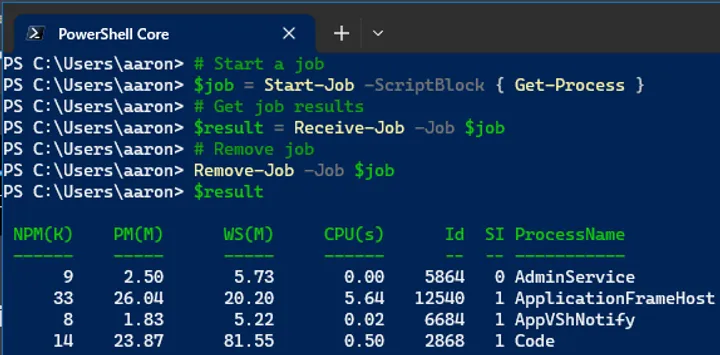
Understanding and using PowerShell Jobs: A practical guide
-
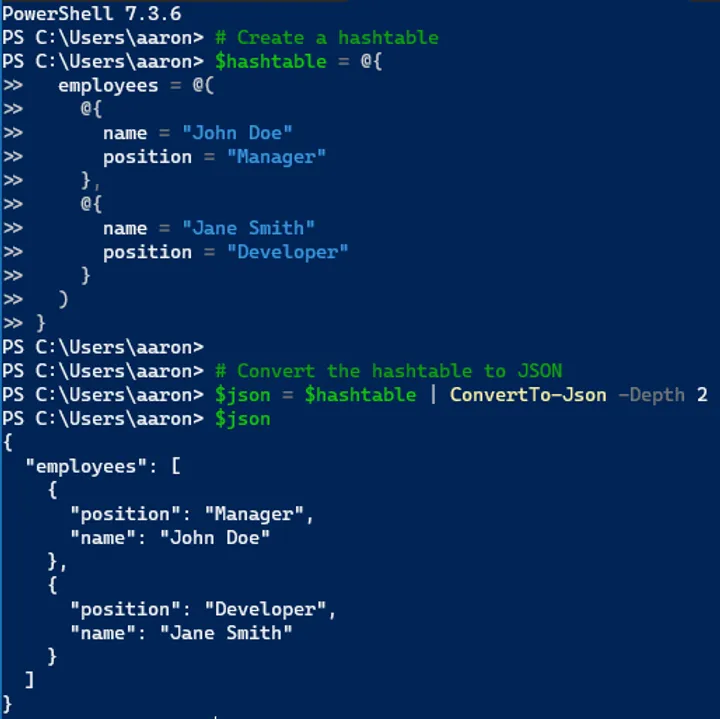
PowerShell and JSON: A Practical Guide
-
PowerShell and XML: A Practical Guide
-
Using PowerShell with .NET
-
PowerShell error handling techniques
-
Working with PowerShell modules
-
Mastering PowerShell functions
-
PowerShell scripting best practices
-
Understanding PowerShell Remoting
-
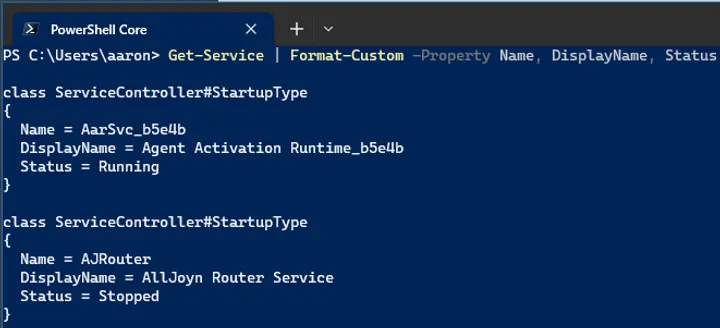
PowerShell formatting and output tricks
-
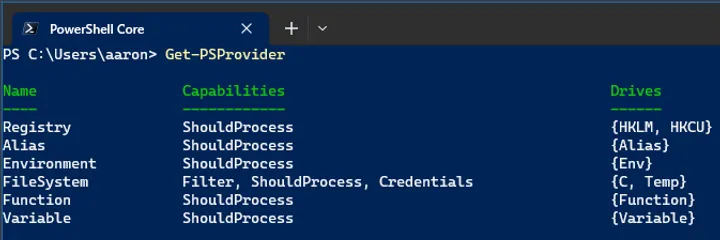
Working with PowerShell providers
-
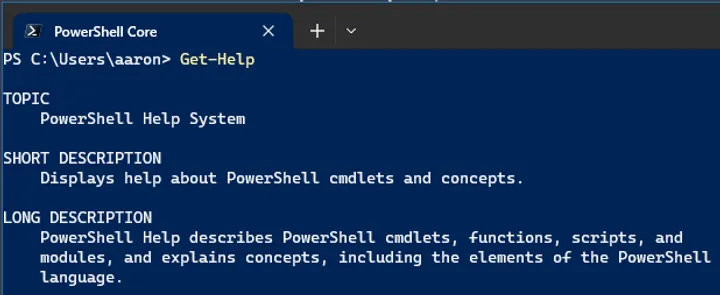
How to get help in PowerShell: Understanding Get-Help
-
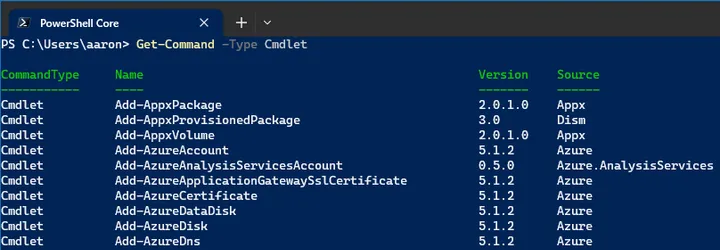
Understanding PowerShell Cmdlets: A Deep Dive
-
Intro to PowerShell: What makes it essential for IT pros?
-
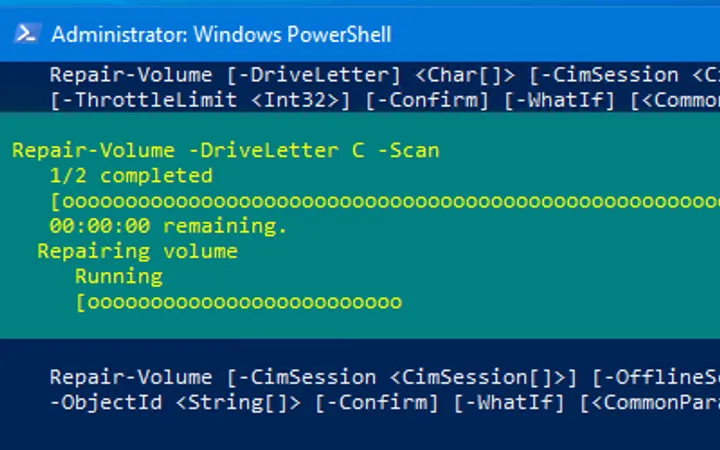
PowerShell replacement for chkdsk
-
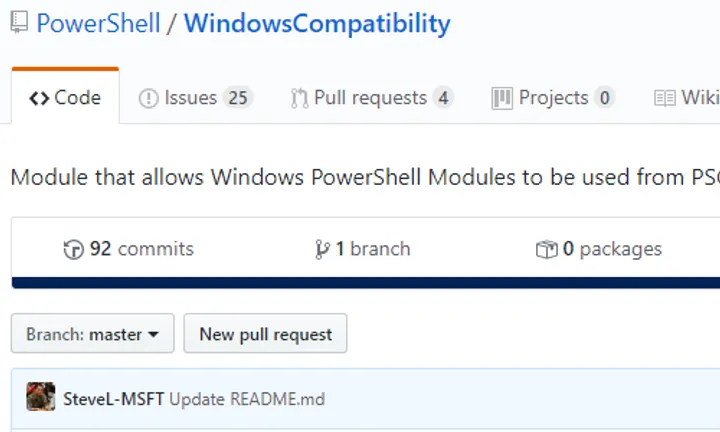
Using the Windows PowerShell Compatibility Module in PowerShell Core
-
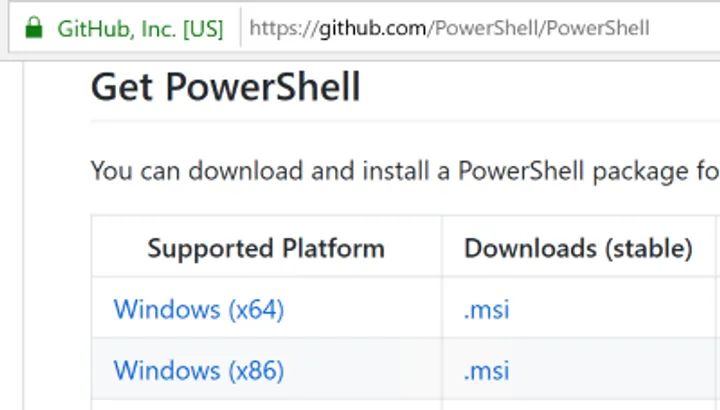
Install PowerShell Core on Windows
-

Decision to Switch to PowerShell Core (pwsh)
-
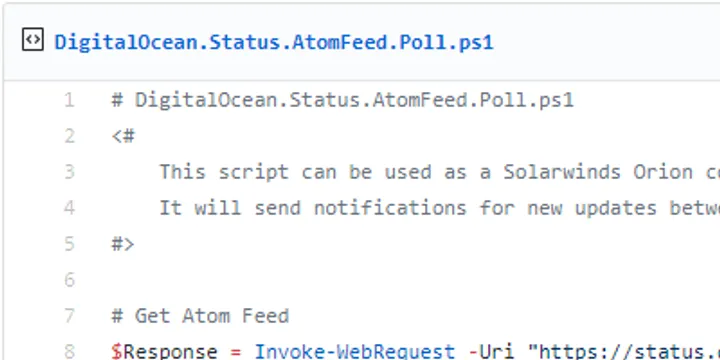
Use PowerShell to Monitor RSS/Atom Feed
-
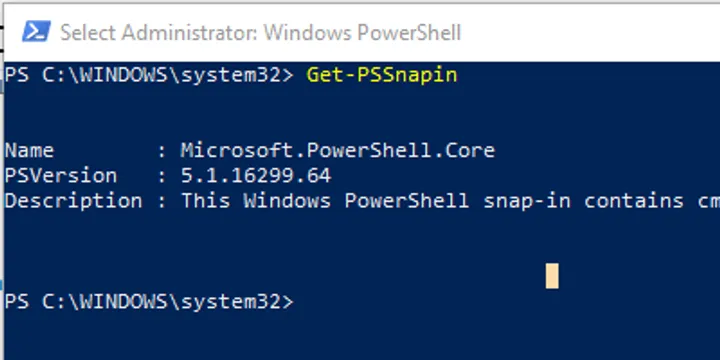
PSSnapin: The Original Way to Extend PowerShell
-
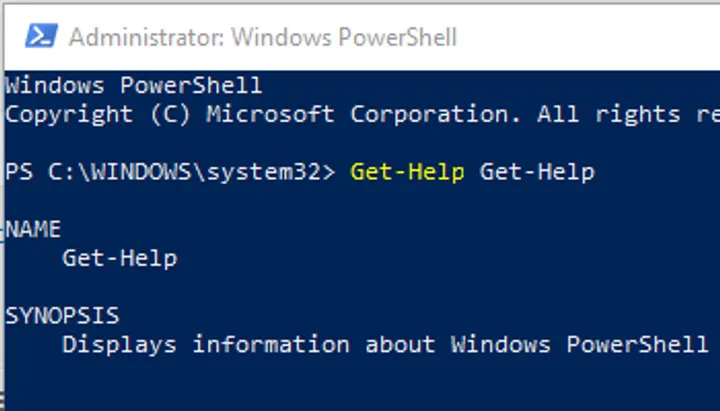
Get-Help: PowerShell’s Documentation Framework
-
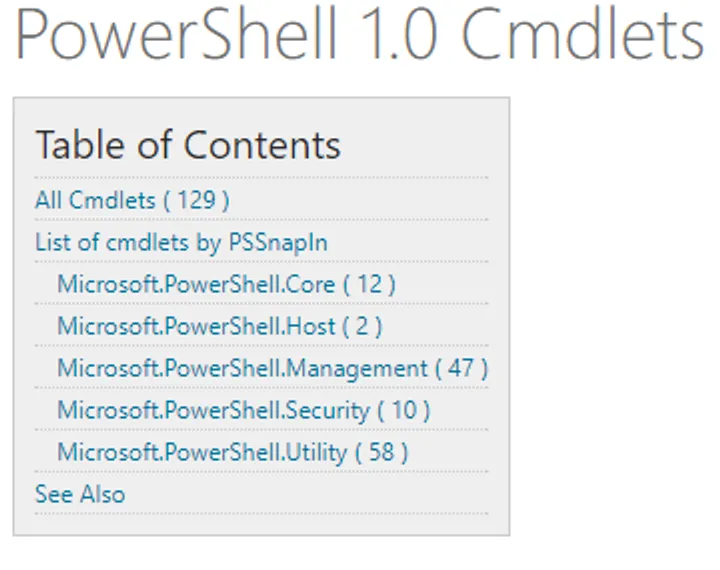
PowerShell 1.0 – The First Cmdlets
-
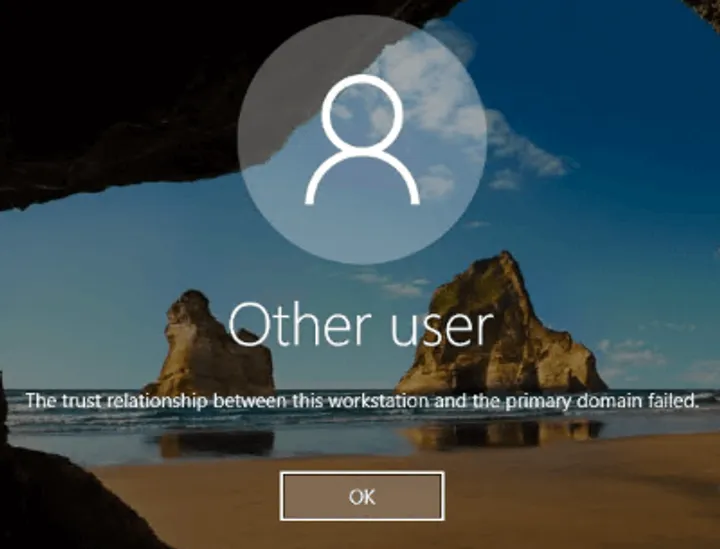
Fix “The trust relationship between this workstation and the primary domain has failed.”
-
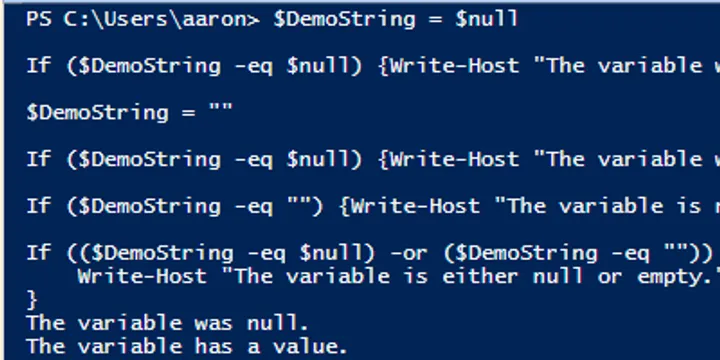
Test PowerShell Variable for Null, Empty String, and White Space
-
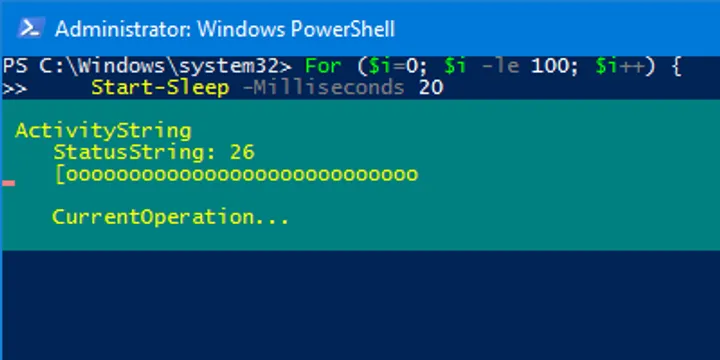
How to Make a PowerShell Progress Bar
-

Hide PowerShell Progress Bars
-
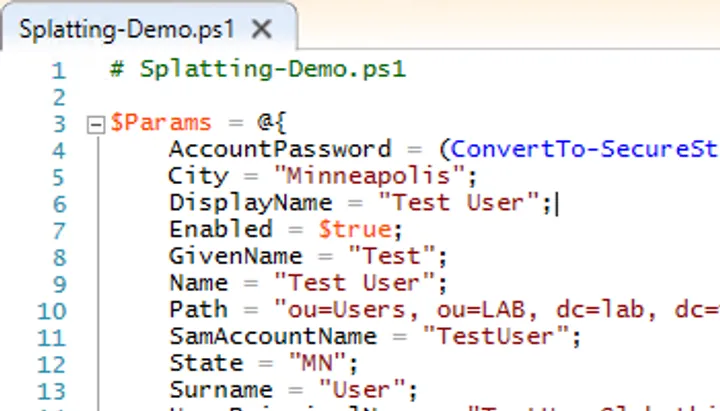
PowerShell Splatting: What is it, Why Use It
-
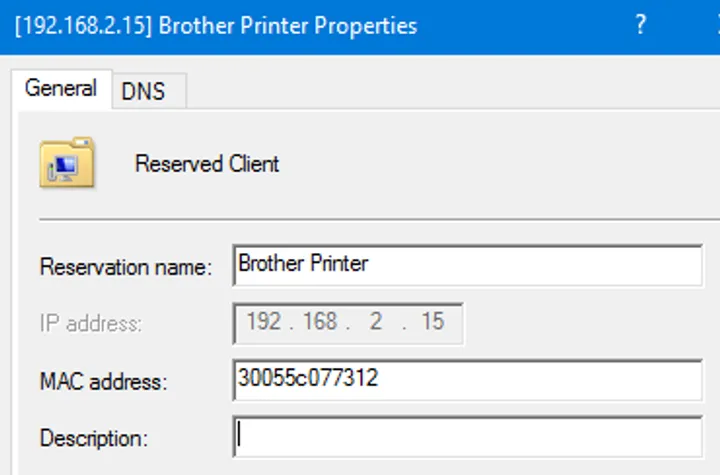
Configuring Windows DHCP, Part 3: Creating DHCP Reservations
-
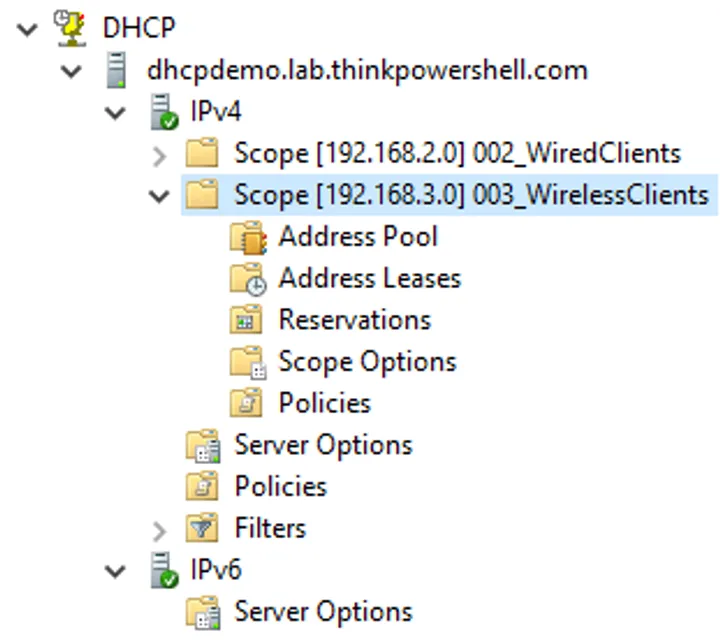
Configuring Windows DHCP, Part 2: Creating DHCP Scopes
-
Configuring Windows DHCP, Part 1: Installing the DHCP Server Role
-
Create Cortana Audio Files From Text Using PowerShell
-
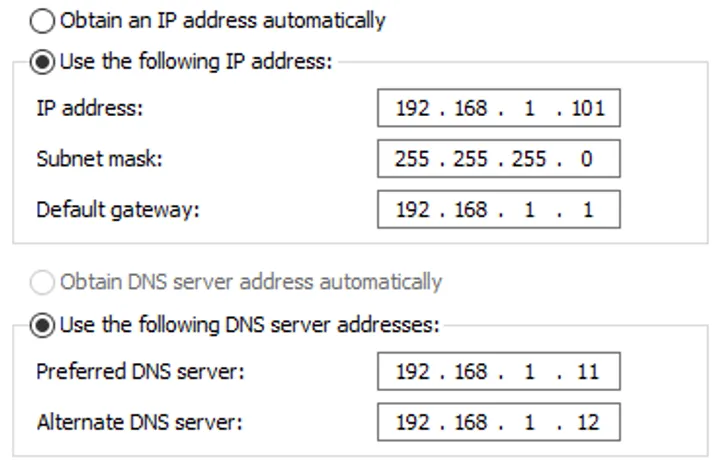
Change DNS Servers for Computers with Static IP Addresses
-

Use Measure-Command to Test Script Performance
-
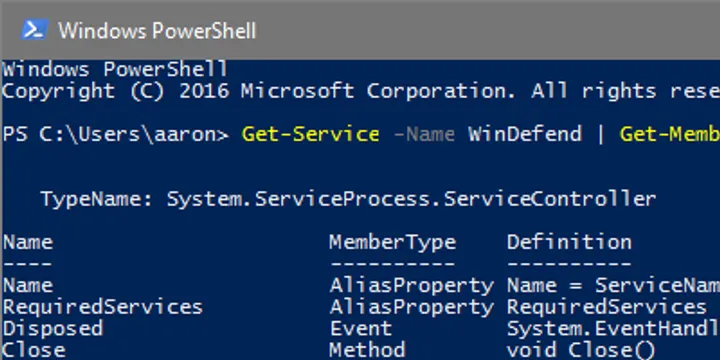
Get All PowerShell Object Properties
-
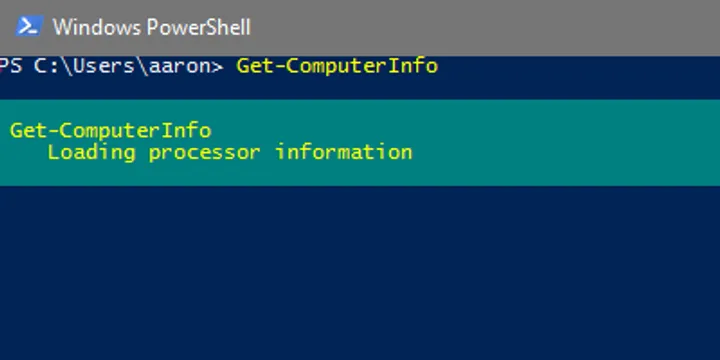
Use Get-ComputerInfo to Replace msinfo32
-
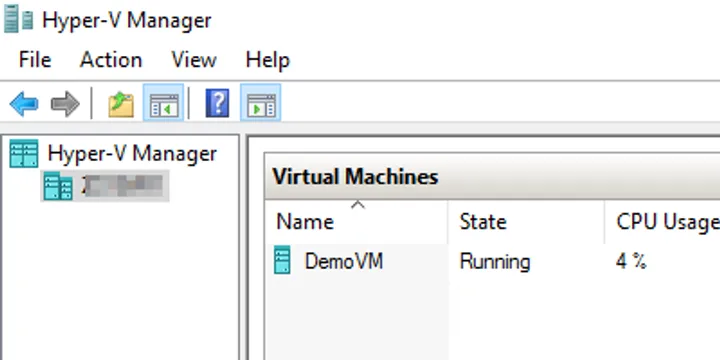
Use PowerShell to Set Up a Hyper-V Lab
-
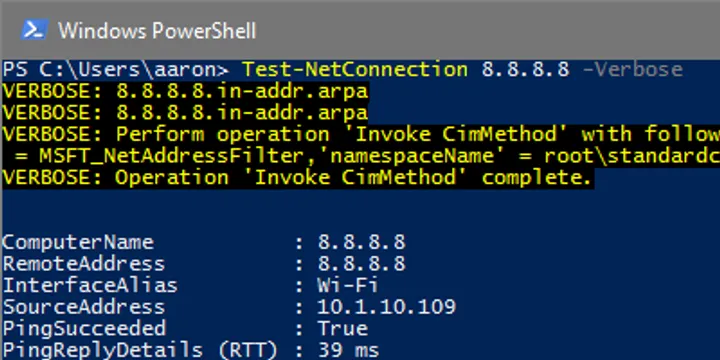
Try PowerShell "-Verbose" to Troubleshoot Errors
-
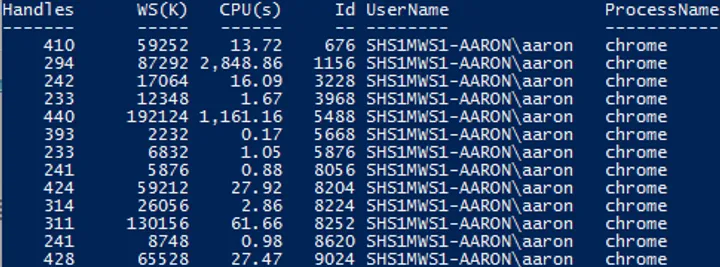
Get Process Name and Owner User Name
-

PowerShell Script to Empty Recycle Bin at Logoff
-
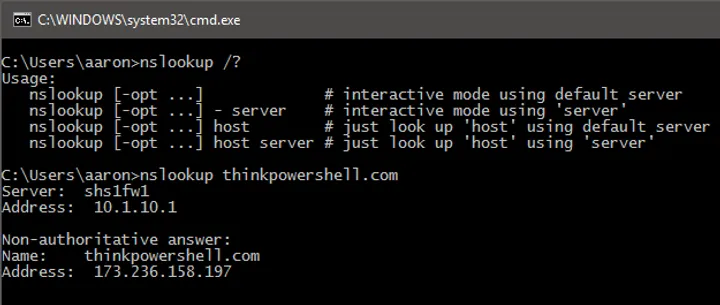
PowerShell Replacement for 'nslookup'
-
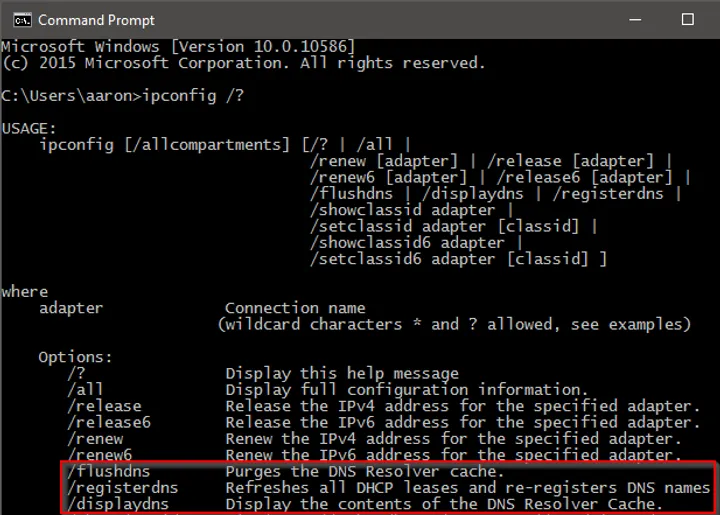
PowerShell Replacements for 'ipconfig' Client DNS Functions
-

Configure Static IP Address or DHCP
-
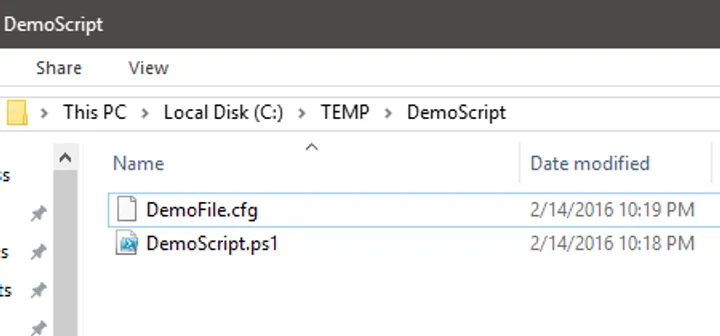
Add Script Flexibility with Relative File Paths
-
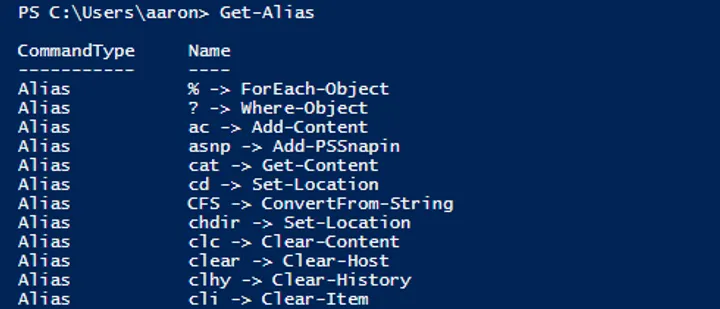
PowerShell Aliases: Save Time But Use Wisely
-
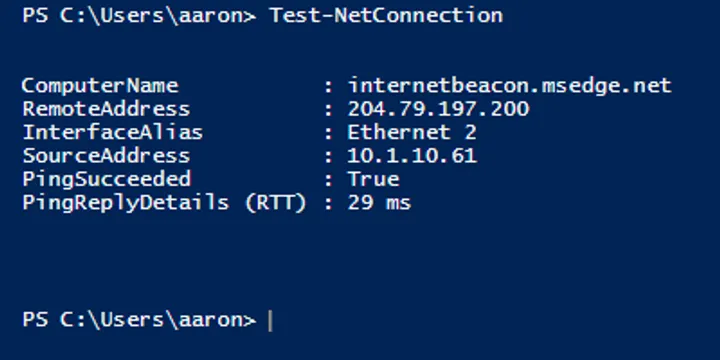
Use Test-NetConnection to Replace Ping
-
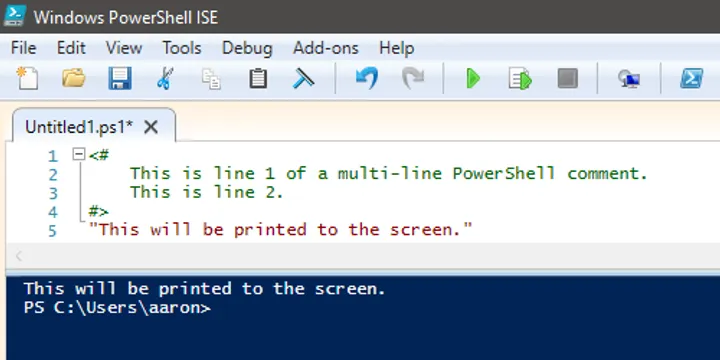
PowerShell Comments: Give Your Script Context
-
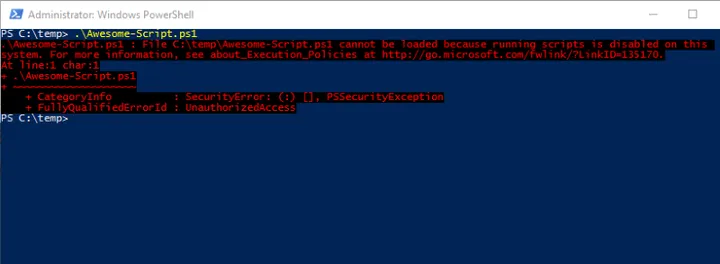
PowerShell Execution Policy Explained
-
Windows PowerShell ISE: Develop Your Scripts
-
PowerShell: One Shell to Rule Them All